What Is a Browser Tab?
A tab holds one web page inside a web browser window. Tabs sit in a row near the top of the window, each showing the name of its page, so you can keep several pages open and switch between them. The highlighted tab is the page you see now.
What it looks like
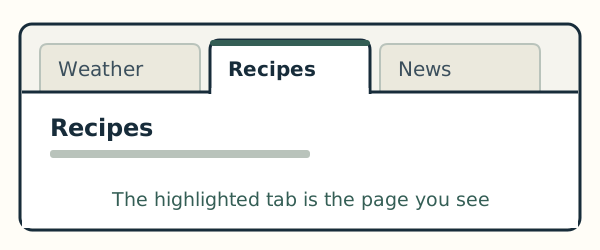
Each tab looks like a small label along the top of the window. Clicking a tab shows its page, and the other pages stay open behind it. Closing a tab closes that page, and the other tabs stay open.
On Windows and on a Mac
In Microsoft Edge on Windows 11, each tab has an X at its right end that closes it. In Safari on a Mac, the X appears at the left end of a tab when you move the pointer over it. When only one page is open, Safari may show no row of tabs.