What Is the Downloads Folder?
The Downloads folder is a folder that comes with your computer. Web browsers usually save the files you download into it. It is a good first place to look for a file you got from a website.
What it looks like
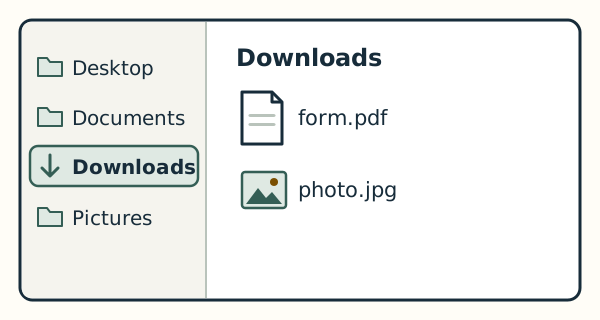
In the list of places down the left side of a File Explorer or Finder window, it is the folder named Downloads, often shown with an arrow pointing down. Opening it shows the files in it by name.
On Windows and on a Mac
On Windows 11, Downloads is listed down the left side of File Explorer. On a Mac, it is listed down the left side of a Finder window and in Finder's Go menu, and the Dock also comes with a Downloads folder.