What Does Download Mean?
To download is to copy a file from a website onto your own computer. The file then stays on your computer, so you can open it later without going back to the website. The opposite, sending a file from your computer to a website, is called uploading.
What it looks like
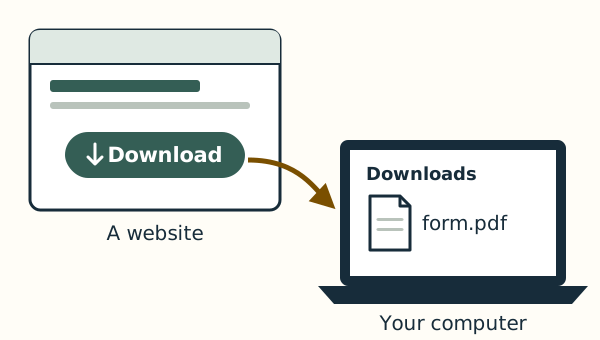
Websites often show a Download button or link, sometimes with an arrow pointing down. While a file downloads, the browser shows its name. When it has finished, you can open it from the browser's list of downloads, or look for it later in the Downloads folder.
On Windows and on a Mac
In Microsoft Edge on Windows 11, a Downloads list opens at the upper right of the window when a download starts. In Safari on a Mac, the Show Downloads button, an arrow pointing down inside a circle, is near the top-right corner of the window.